Flip a Photo Online
What is an Image Flipper Tool?
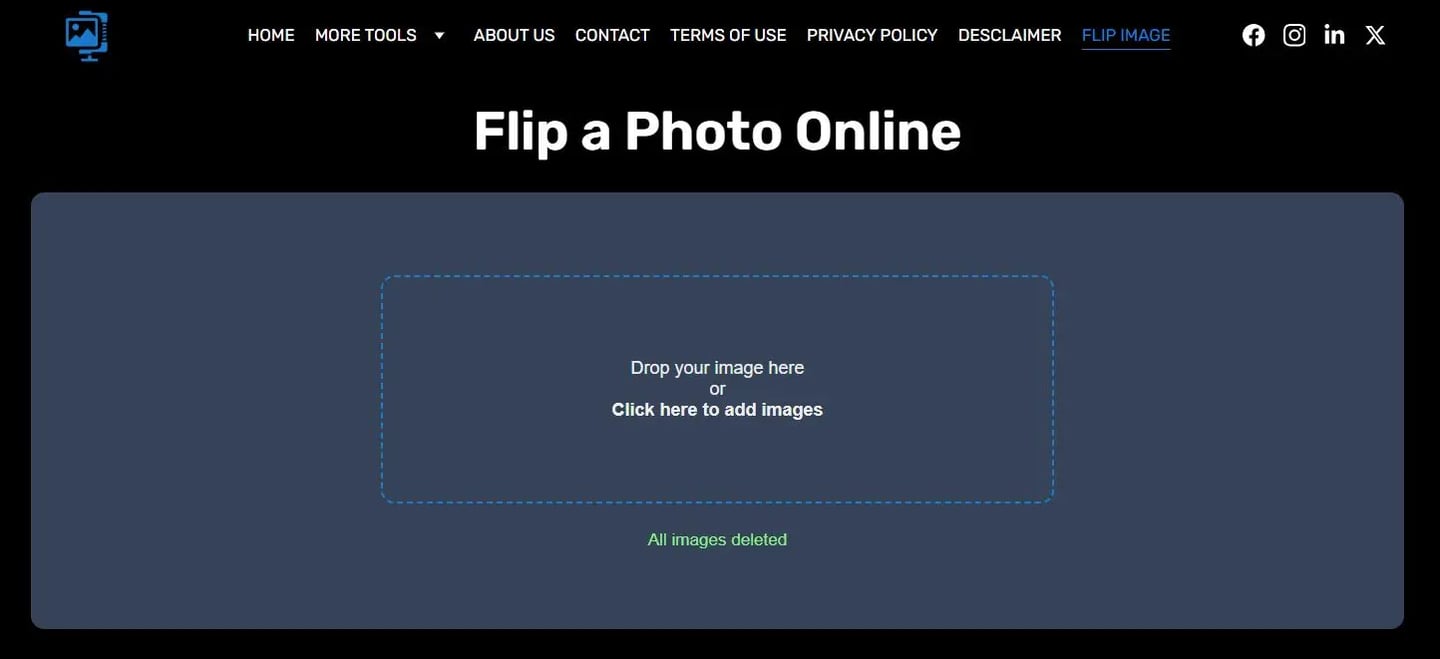
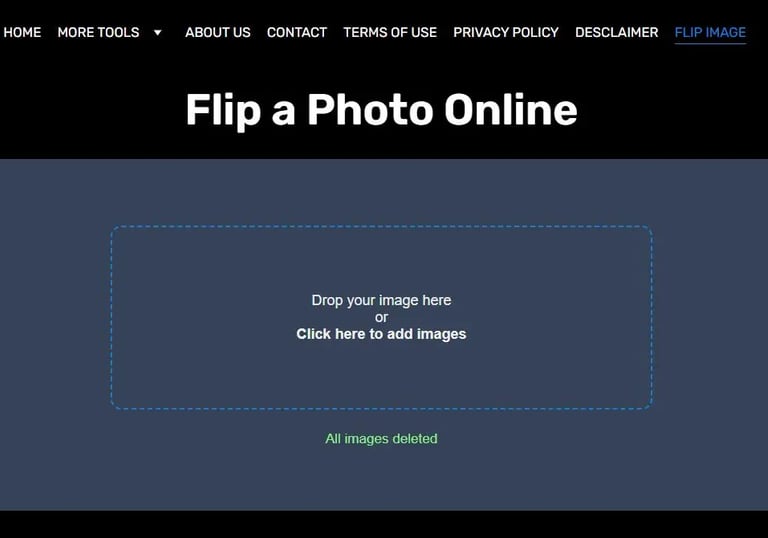
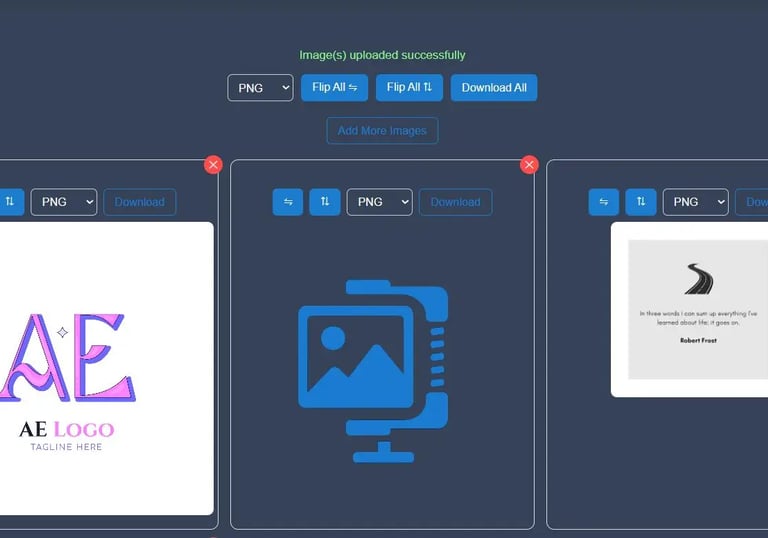
Image Flipper Tool helps you reverse, mirror, or rotate any picture instantly without installing software. You can flip an image horizontally, invert it vertically, or mirror a photo for creative use. Whether you’re editing selfies, product photos, or graphic designs, the tool gives quick and accurate results directly in your browser.
Key Features of the Online Image Flipper
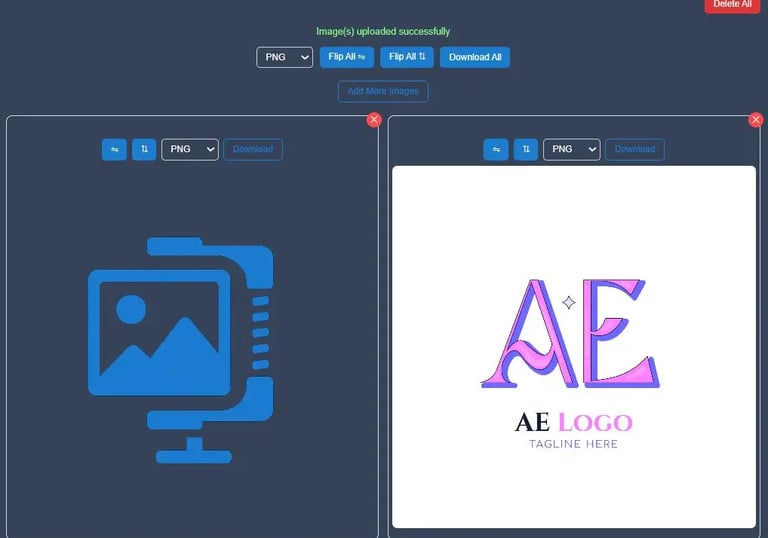
The Image Flipper Tool lets you flip photos horizontally or vertically in one click. You can preview changes instantly and download the result right away. It works online for free on any device — phone, tablet, or computer. You can also mirror images for creative designs, and all edits stay private since nothing is uploaded to servers.
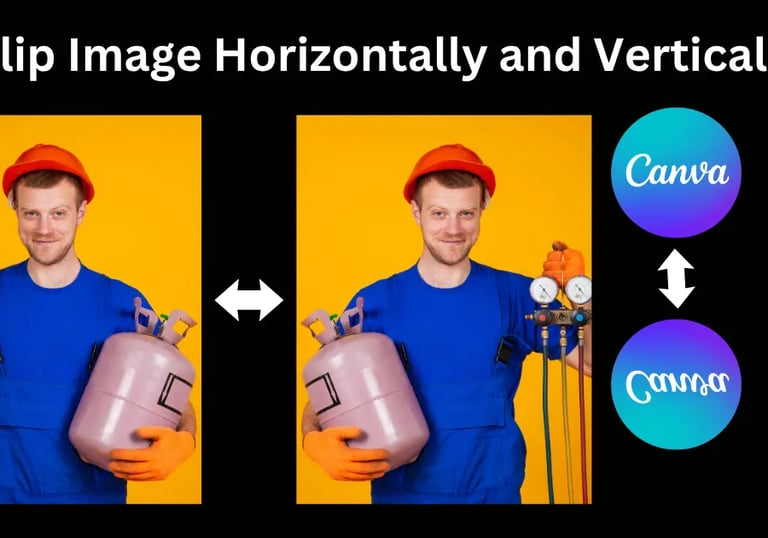
Flip horizontally and vertically
Choose between left-right or top-bottom reflection.
Mirror any photo
Create mirrored compositions for banners or collages.
No upload delays or external dependencies.
Fast browser-based processing
Free to use
No signup or watermark on flipped images.
High Quality
Keeps image resolution sharp and clear after flipping.
Images process locally in your browser — nothing gets uploaded to servers.
Secure & Private
How Image Flipping Works
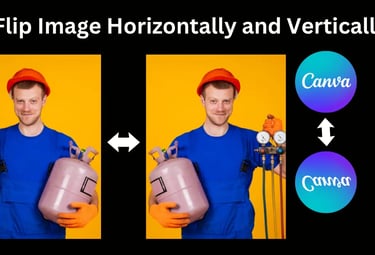
When you upload a picture, the tool reads its pixels and repositions them in reverse order. This process allows you to:
Flip an image left to right online (horizontal mirror).
Flip an image upside down (vertical mirror).
Create reflected or mirrored effects for visual balance.
Why Use a Flip Image Online Tool
Flipping photos online saves time, storage, and effort. Designers use it to correct camera orientation, while content creators use it to achieve aesthetic symmetry. If you capture a selfie and want to see it as others do, just mirror your image online in one click.
Common Use Cases
Correct camera orientation: Fix mirrored selfies or backward text.
Graphic design: Create symmetrical layouts or patterns.
eCommerce images: Present products from both directions.
Social media: Enhance visual storytelling with mirrored visuals.
Why Choose Our Image Flipper
The Image Flipper Tool combines speed, simplicity, and precision. You don’t need editing experience — just upload, flip, and save. Whether you’re working on creative visuals or correcting image direction, it gives reliable, pixel-perfect results every time.
Final Thoughts
Flipping a picture shouldn’t require complicated software. With this online image flipper, you can flip photos horizontally or vertically, mirror them online, and get professional-quality results within seconds. Try it once, and you’ll see how simple it makes digital image manipulation.
Frequently Asked Questions (FAQs)
Q1. How can I flip photos online for free?
You can flip photos online using the Image Flipper Tool. Just upload your image, choose to flip it horizontally or vertically, preview the change, and download it instantly. It works directly in your browser with no software needed.
Q2. Can I flip a picture horizontally from left to right?
Yes, you can easily flip a photo from left to right with the horizontal flip option. It instantly mirrors your image side-by-side, perfect for fixing reversed selfies or creating design balance.
Q3. What’s the difference between flipping horizontally and vertically?
Flipping horizontally means reversing your image left to right, while flipping vertically turns it upside down. Both options are available in the online image flipping tool for quick edits.
Q4. Is it safe to mirror photos online?
Yes, it’s completely safe. The tool processes everything in your browser, meaning your images never leave your device. It’s a secure online image reflection tool that keeps your data private.
Q5. Can I use this Image Flipper App on my phone?
Absolutely! The online photo flipper works on mobile browsers just like it does on desktop. You can flip, mirror, and download photos directly from your phone — no app installation required.
Q6. How do I create mirrored photos online?
Upload your picture, click on the mirror option, and the tool will create a mirrored photo online instantly. You can then download the reflected version in high quality.
Q7. Will flipping an image reduce its quality?
No, flipping an image doesn’t affect its quality. The browser-based image flipper keeps your photo resolution sharp and clear, just like the original.
Q8. Can I flip multiple images one by one?
Yes, you can upload and flip each picture online individually. Each image is processed locally, ensuring fast performance and complete privacy.
Disclaimer:
Image Flipper Tool is an online utility designed for quick and simple photo editing. All image processing happens locally in your browser — no files are stored or shared on any server. Users are responsible for the content they upload and edit using this tool. Use it only for lawful and personal purposes.